
Activating an application in Demo Mode is an easy process that closely mirrors activating a perpetual license.
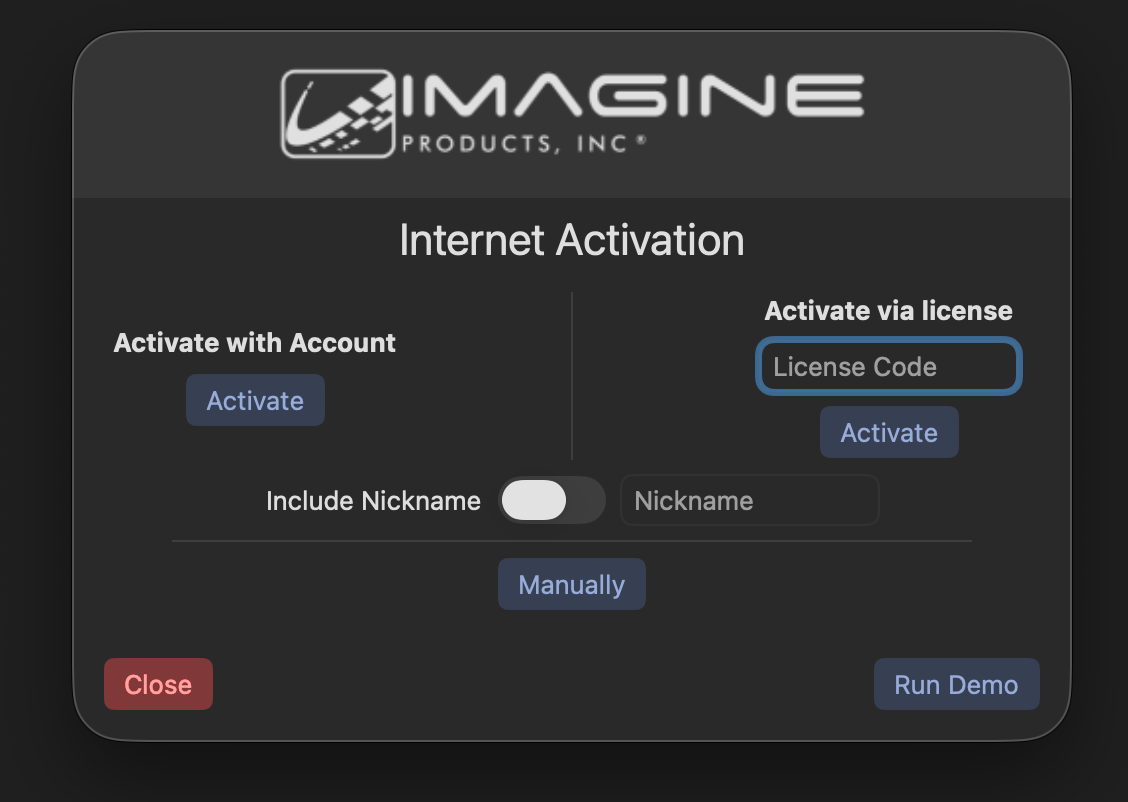
First, select the button in the lower-right hand corner titled 'Run Demo'.
In the pop-up that appears, sign in with your Imagine Products account credentials. Additionally, both Google and Apple accounts can be used to activate.
Finally, select Login.